Add Your First Property with ImmoCheck
Adding a property is the first step to tracking, analyzing, and managing it in SmartLandlord. The ImmoCheck wizard guides you through the information required to create a property and generate a complete investment analysis.
Before you start
Make sure you are signed in to your SmartLandlord account.
To complete the analysis, it helps to have the following information available:
- Property details (address, purchase price, property type).
- Building details (year of construction, heating type, building information).
- Financing information (loan amount, interest rate, repayment structure).
- Tax information (depreciation type and rate, land share, tax rate).
- Rental information (current rent and expected rent increases).
- Operating costs (cold rent, allocable costs, and non-allocable costs).
You do not need to complete everything in one session. The wizard automatically saves your progress as a draft, allowing you to continue later.
1. Open the wizard
1. Go to Portfolio → Mijn inventaris.
2. Click Nieuw eigendom.
This opens the ImmoCheck wizard.
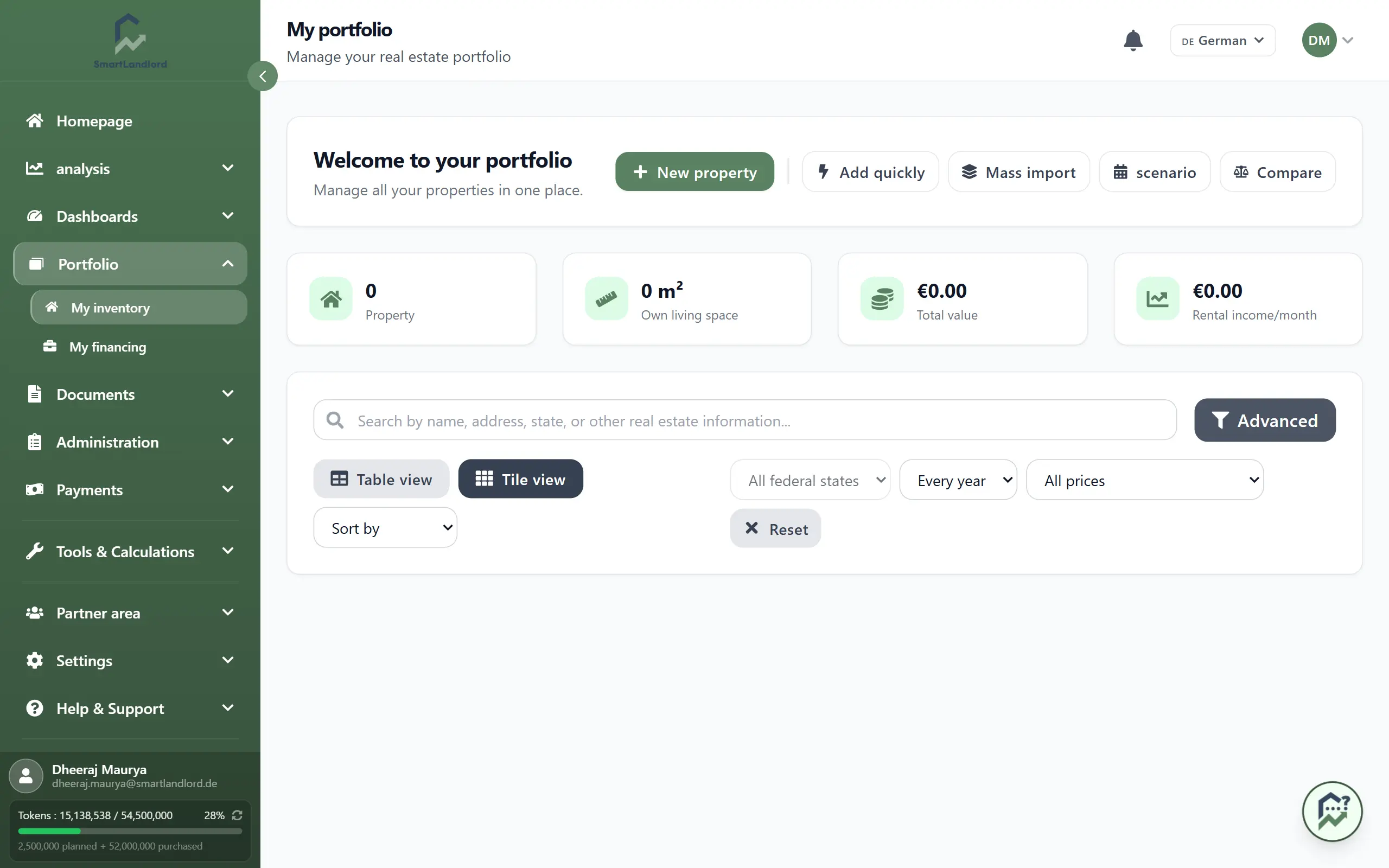
The wizard displays all required steps and shows which sections have already been completed.
2. Work through the six steps
The ImmoCheck wizard guides you through six sections:
Aankoopgegevens
Enter the basic property information, including:
- Property address.
- Property type.
- Purchase price.
- Property size and related details.
Eigendomsdetails
Enter building-related information such as:
- Year of construction.
- Heating type.
- Building characteristics.
Financiering
Enter financing information including:
- Loan amount.
- Interest rate.
- Repayment structure.
Afschrijving en belasting
Enter tax-related information including:
- Depreciation type.
- Depreciation rate.
- Land share.
- Tax rate.
Voorspellingen
Define your assumptions for future performance, including:
- Current rent.
- Expected rent increases.
- Property value growth assumptions.
Huur en kosten
Enter recurring costs related to the property, including:
- Cold rent.
- Allocable costs.
- Non-allocable costs.
Required fields are clearly marked throughout the wizard. Your progress is saved automatically as you work.
3. Run the analysis
After completing all required information, click Eigendom analyseren.
SmartLandlord will:
- Validate the entered information.
- Save the property.
- Generate the property analysis.
- Calculate key metrics and projections.
- Add the property to Mijn inventaris.
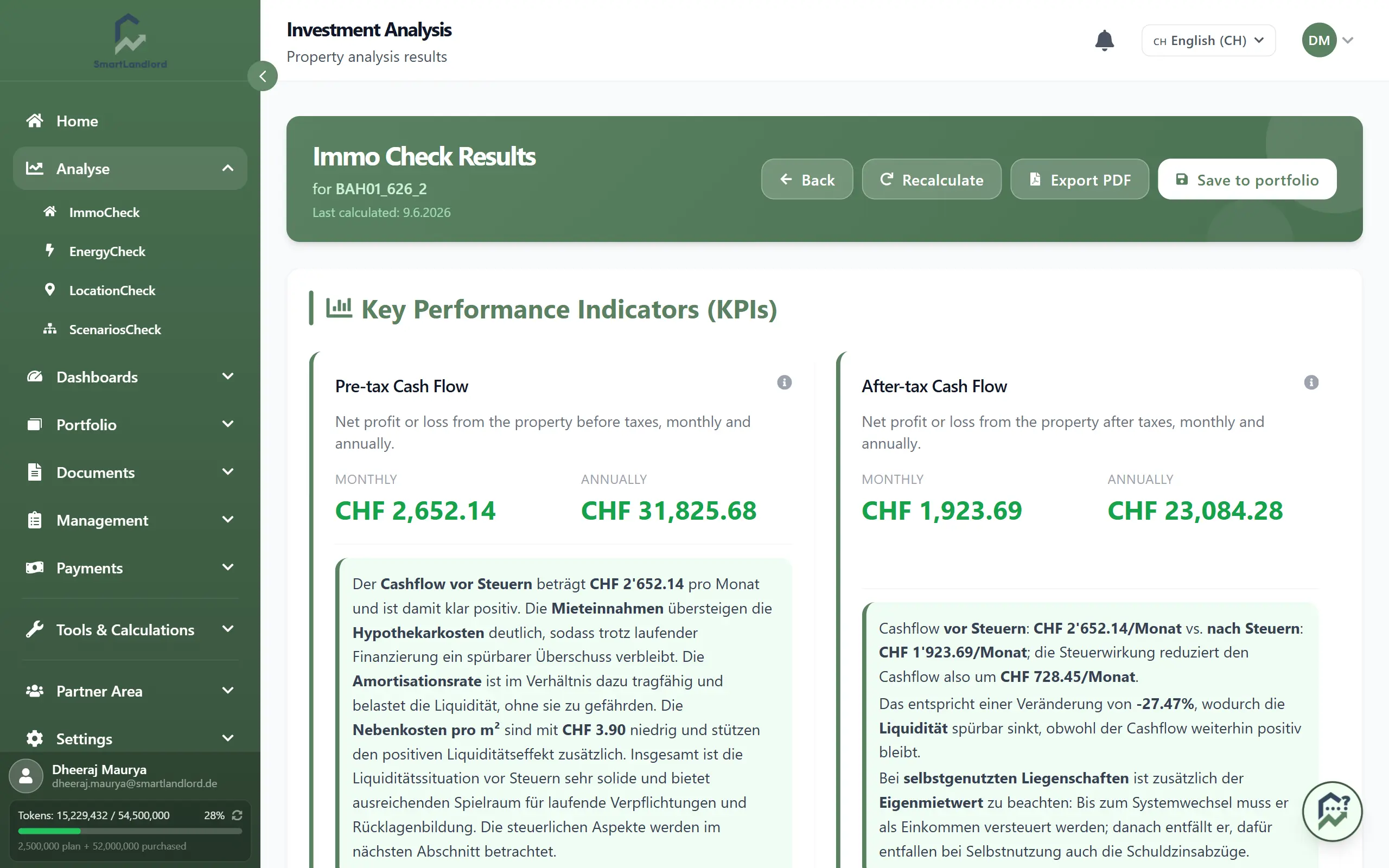
The analysis helps you understand expected performance, cashflow, financing impact, and other important investment metrics.
Manage the property later
After the property has been created, you can open it again at any time from Mijn inventaris.
From there you can:
- Edit property information.
- Update financing details.
- Adjust rent assumptions.
- Update costs and expenses.
- Re-run the analysis with updated information.
Keeping your property data up to date ensures that your dashboards, reports, and analyses remain accurate.
Best practices
- Enter the most accurate purchase and financing information available.
- Review assumptions carefully before running the analysis.
- Update property information whenever major changes occur.
- Re-run analyses after updating rent, costs, financing, or other key inputs.
- Use the generated analysis as a starting point for investment decisions and ongoing portfolio management.
The ImmoCheck wizard is the foundation for property analysis in SmartLandlord and helps transform raw property data into actionable investment insights.